

A Primer on Phishing Attacks
December 21st, 2016
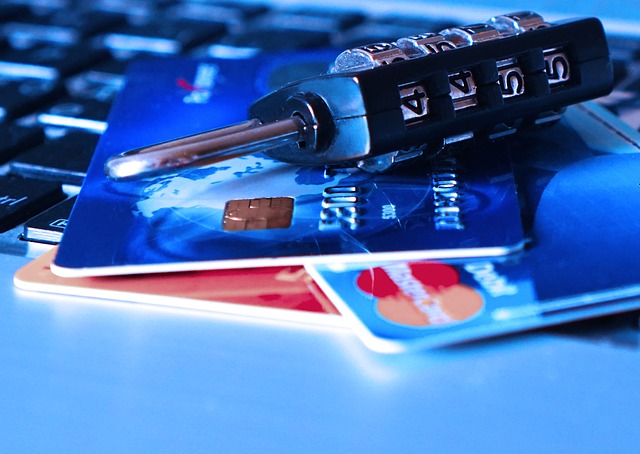
Phishing attacks are a dangerous and devastating method hackers use to steal personal information and accounts—primarily by striking the user instead of the machine. According to the APWG Phishing Activity Trends Report, the first quarter of 2016 saw an explosive 250 percent increase in phishing attacks (PDF opens in new window), meaning both the industry and individuals should be increasingly concerned about these scams.
While security software is getting better at detecting phishing attacks, it can't stop them all. Here's the rundown on what you can do to protect yourself and your employees.
What Exactly Is a Phishing Attack?
The goal of a phishing scam is to get a person to hand over private information, usually pertaining to account access credentials, credit card numbers, social security numbers, or other information (Opens in new window), that can be used to steal accounts, information, and identities.
According to Indiana University, phishing attacks, or scams, typically present themselves as fake emails masquerading as official sources asking for personal information (Opens in new window). Google adds that phishing attacks can also come through advertisements and fake websites (Opens in new window).
So, phishing attacks come in several forms (Opens in new window). One example of a phishing attack is an email arriving in an employee's inbox asking them to reset their Gmail account information. Another is an email from "Amazon" saying the account holder's credit card information didn't go through for a recent order.
What's the Best Defense Against Phishing Attacks?
The best thing a person can do to protect themselves from phishing scams is to be wary any time they receive a message asking for personal information (Opens in new window). Businesses and organizations can protect themselves by educating their employees and members about what phishing attacks look like, and how to avoid them.
Teach your employees to look for red flags, like an email address that doesn't correspond to the supposed sender, impersonalized messages, grammatical errors, and/or unsolicited attachments (Opens in new window). Equally, watch out for spoofed links that list one URL on the page but redirect to another—and keep an eye out for spoofed URLs that don't match the real site (e.g., gooogle.com instead of google.com).
Some phishing emails use such highly personalized information that they may appear, on the surface, to be authentic. Don't let your guard down. Phishing attacks typically use fear (Opens in new window) to motivate a person into handing over sensitive information with statements like "your order will be canceled" or "your account will be deactivated." Instead of clicking the link inside the email or responding directly with personal information, go to the real website using a search engine or by typing the URL directly into your browser. If you receive a phishing email related to any of your professional account credentials, report it to IT.
The State of Phishing Attacks
Now that web users are spread out over a variety of operating systems including Windows, Mac OS, Android, and iOS, it makes sense that hackers would divert more effort to scams that attack the user instead of the operating system. Symantec reported a 55 percent increase in "spear-phishing" scams (Opens in new window) across 2015. In the first quarter of 2016, CSO reported that criminals successfully targeted 41 organizations (Opens in new window) in a phishing scam aimed at retrieving W-2 data.
If your company is looking to improve its IT security practices against threats like phishing scams, the IT consulting experts at ATS are ready to help. Contact us today.
Posted in: Cybersecurity, IT Support