

You Replaced the Cabling. What About the WiFi and Firewall Hardware?
November 15th, 2026
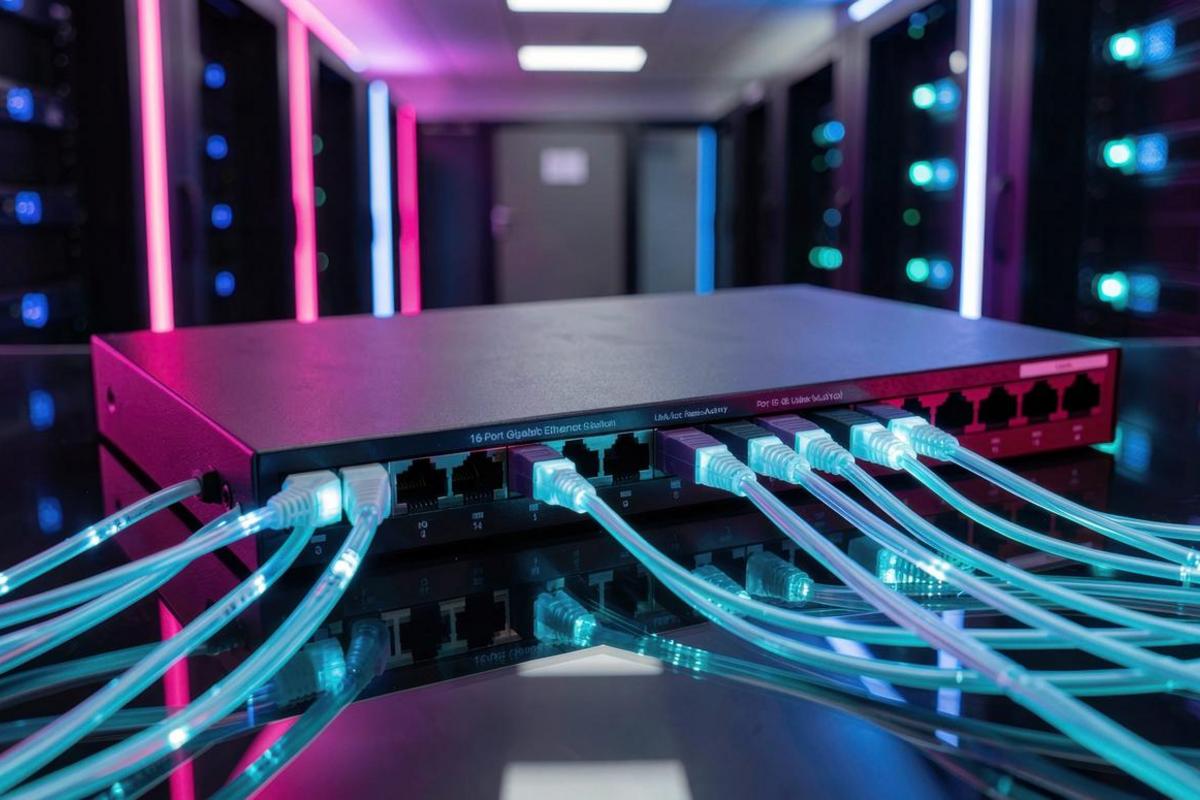
The cabling project is finished. New drops are terminated, the patch panels are labeled, and the cable trays finally look like someone planned them. Then the first meeting starts, the video call stutters, and someone asks why the wireless still drops in the conference room.
New cabling fixes only the physical layer. It does not replace the access points, switches, and firewall that decide what that cabling can actually deliver. Those devices age faster, receive fewer security updates, and quietly cap the performance of every cable you just paid to install.
Cabling Is One Layer of the Network
Structured cabling is a long-life investment. A properly installed copper and fiber plant can serve a building for fifteen to twenty years. The active hardware on either end has a much shorter working life, often five to seven years before support ends or performance falls behind the devices it serves.
That mismatch creates the problem. A business replaces cabling because it is moving, expanding, or fixing years of unreliable connections, then assumes the network is finished. In practice, the new cable often exposes how old the rest of the stack has become.
What New Cabling Exposes About WiFi
Wireless is usually the first place employees notice the gap. A cable upgrade can give every desk a clean gigabit connection while the wireless network remains on hardware designed for a much lighter workload.
Access Point Age and Standards
Access points from the WiFi 4 or early WiFi 5 era still broadcast a signal, but they handle dense rooms poorly. Modern standards such as WiFi 6, WiFi 6E, and WiFi 7 add capacity and efficiency for many devices at once, not just a higher headline speed. A conference room with thirty laptops, phones, and video devices is exactly where older access points fall apart.
The uplink matters too. New cabling may support multi-gigabit speeds, but an access point with a single gigabit port cannot use that headroom. Check the whole path, including the switch port, before expecting faster wireless.
Power Over Ethernet Requirements
Newer access points often need more power than older ones. PoE+ and PoE++ deliver more watts over the same cable, but only if the switch supports the standard and has enough total power budget for every device attached to it.
This is a common surprise after a cabling upgrade. The cable is capable, the access point is capable, and the switch is the part that cannot keep up. Replacing access points without checking the PoE budget can leave the network less stable than it was before.
Coverage Planning and Capacity
More cable drops do not automatically mean better wireless coverage. Access point placement depends on building materials, interference, user density, and the applications people run. A proper survey identifies where coverage is weak and where capacity is short.
Adding access points without planning can make things worse. Too many radios on the same channels create interference and unstable roaming. The cabling project is the right time to survey the space and design coverage around where people actually work.
Management, Security, and Firmware
Older standalone access points often lack centralized management, current encryption standards, and reliable firmware updates. Cloud-managed wireless makes it practical to apply security settings consistently, separate guest and employee traffic, detect rogue access points, and keep firmware current across every site.
If the wireless hardware no longer receives security patches, it is not just slow. It is an unpatched entry point into the network.
What New Cabling Exposes About the Firewall
The firewall is easier to ignore because it sits in a rack and keeps working. That is also why it becomes a liability. A firewall that was correctly sized five years ago may now be the slowest device between the internet and everything else.
Throughput Ratings Are Not What They Seem
Vendor datasheets usually lead with a large throughput number measured with security features turned off. Turn on intrusion prevention, malware inspection, application control, and encrypted traffic inspection, and the real throughput can fall by half or more.
If the business upgraded its internet circuit and the firewall cannot inspect that bandwidth, the new connection is wasted. Staff see slow downloads and assume the provider is at fault when the firewall is the bottleneck.
Subscriptions, Updates, and End of Life
Next-generation firewall features depend on active subscriptions and current firmware. Expired licenses can silently disable threat prevention, and hardware past end of life stops receiving security patches altogether. The firewall still passes traffic, so nobody notices until an audit, an incident, or a failed insurance questionnaire.
Check the model's support status, the license renewal date, and when the last firmware update arrived. If any of those answers is uncomfortable, the device belongs on the replacement list.
Segmentation and Policy Enforcement
New cabling and VLANs only improve security when the firewall enforces rules between those networks. Guest wireless, employee devices, servers, cameras, and building systems should not share one flat network. The firewall is where that separation becomes real.
An older firewall may support basic rules but lack the inspection, logging, and identity awareness needed to enforce policy across a modern network. In that case the segmentation exists on paper and not in practice.
VPN and Remote Access
Remote work puts more demand on the firewall's VPN capacity, authentication options, and ability to inspect encrypted sessions. Aging hardware often supports fewer tunnels and older authentication methods, which pushes staff toward workarounds that weaken security.
High Availability
A single firewall is a single point of failure. If the business cannot operate without internet access, an active-passive pair removes that risk and makes maintenance possible without taking the office offline. A cabling or network refresh is the natural time to add redundancy, before an outage forces the conversation.
Do Not Forget the Switch in the Middle
Switches connect the new cabling to the access points and the firewall. They also determine PoE availability, VLAN support, uplink speed, and how much traffic the network can carry between floors or buildings.
A switch with gigabit copper ports and a crowded uplink can bottleneck new access points and a faster internet circuit. Look at port count, PoE budget, uplink capacity, stacking, management, and firmware support when deciding whether the switching layer can stay.
Replace or Keep? A Practical Checklist
Not every device needs to be replaced at once. Use these questions to separate the urgent from the merely old.
- Is the device still supported by the manufacturer, and does it still receive security updates?
- Does it deliver the throughput the business actually needs with security features enabled?
- Does it support the PoE standard, wireless standard, and uplink speed the new cabling can carry?
- Are the security subscriptions current, and is the cost of renewing them still reasonable?
- Can it be managed centrally, monitored, and patched without visiting every site?
- Does it support the segmentation, authentication, and VPN requirements the business now has?
- Is there a single point of failure that would take the office offline?
Two or three uncomfortable answers usually justify replacement. One uncomfortable answer may be a manageable risk with a scheduled date attached.
Sequence the Upgrade
A network refresh works best as a sequence rather than one overwhelming purchase.
- Inventory the active hardware. Record model, firmware, license status, support dates, and current role for every access point, switch, and firewall.
- Measure what the business needs. Survey wireless coverage, review internet and internal traffic, and identify the applications that matter most.
- Design the layers together. Confirm the new cabling, switching, wireless, and firewall choices support each other instead of creating a new bottleneck.
- Pilot one floor or one site. Validate coverage, throughput, and management before rolling the design across the organization.
- Retire the old equipment properly. Wipe configurations, remove licenses and credentials, update documentation, and dispose of hardware securely.
Plan for the Lifecycle, Not Just the Project
The cabling you just installed may last twenty years. The access points and firewall will not. Build a replacement plan around vendor support dates, not around failure dates, and budget for security subscriptions as part of the hardware cost rather than as an optional extra.
That plan prevents the next surprise: a network with excellent cabling, a fast internet connection, and a five-year-old device in the middle quietly limiting both.
Finish the Network, Not Just the Cabling
A cabling project is the best moment to look at the whole stack, because the physical foundation is finally trustworthy. The work that remains is confirming the wireless infrastructure can use it, the network hardware can carry it, and the firewall can secure it.
ATS designs and installs the full stack, from structured cabling through switches, access points, and firewalls, then manages the result. If the cabling is done and the wireless or firewall still feels behind, contact ATS Communications for a review of the active hardware. Pair it with a cybersecurity assessment so performance and protection are evaluated together.
Posted in: Network Cabling